Skip to content

Adapter-X V2

Original price $499.00 - Original price $649.00
Original price
$499.00
$499.00 - $649.00
Current price $499.00
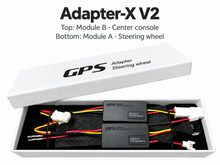
Adapter-X V2 kit in white packaging with modules A and B

Adapter kit only.
Steering wheel sold separately.

Choose your kit

Working Mode Switch control for supported 991.1 / 981 upgrades. Match your car and wheel below.

Check my fitment →

Free worldwide express shipping. DHL/FedEx. Import duties may apply.
Adapter kit only; wheel sold separately.

Installation & coding

Extra parts or PIWIS coding may be needed. Paul can check your setup before you order.

Installation guides →

OEM compatibility and returns

GPS Adapter products are designed for compatible OEM Porsche steering wheels and steering control modules. Non-OEM steering wheel electronics are not supported. Compatibility with aftermarket stereos is not guaranteed; contact us before ordering so we can review your configuration. A $40 restocking fee may apply to returns resulting from attempted use with non-OEM equipment.

Read the full return policy.

Product details

Add multifunction controls and a functional drive-mode switch to a compatible newer OEM Porsche steering wheel.

Adapter kit only. Steering wheel and airbag are not included.

Adapter-X V2 is designed for specifically supported Porsche vehicle-and-wheel combinations. It synchronizes the steering-wheel Mode Switch with the vehicle's center-console drive-mode controls. If functional Mode Switch control is not required, compare STMV1 / STMV1-H.

991.1 GT3: Available with a compatible 991.2-style OEM wheel with Mode Switch. The 971-style wheel option is not offered for GT3.

Before ordering: review the compatibility guide and email clear photos of both steering wheels to info@gpsadapter.us. We will confirm the correct kit and required parts.

OEM equipment only. Compatibility with non-OEM components is not guaranteed. See the OEM vs. non-OEM guide.

Shipping: Free worldwide DHL/FedEx Express shipping is included. Local import duties may apply.

Frequently Asked Questions

What does Adapter-X V2 do?
Adapter-X V2 adds multifunction controls and a functional drive-mode switch when fitting a compatible newer OEM Porsche steering wheel to an earlier vehicle. It synchronizes the steering wheel Mode Switch with the vehicle's center-console drive-mode controls.

Which vehicles are supported?
Documented applications include Porsche 911 Carrera 991.1 (2012–2016), Cayman 981 (2014–2016), Boxster 981 (2012–2016), 991.1 GT3, and Cayenne 92A / 958.1 (2011–2015). Match the exact supported vehicle-and-wheel combination and check the current selectable variant and stock status before ordering. GT3 is offered only with a compatible 991.2-style Mode Switch wheel; the 971-style GT3 option is not offered. Use the Fitment Check if unsure.

What steering wheel do I need for the Mode Switch to work?
An OEM wheel with Mode Switch and the matching kit. Supported replacement styles include 991.2, 718, 982 and Macan Gen 2, plus 971 style for supported non-GT3 vehicles. For 991.1 GT3, select 991.2-style only. Confirm the exact vehicle, wheel and required wiring before ordering.

Does Adapter-X support steering wheel heating?
Yes, with compatible heating hardware and the correct kit selection.

When is PIWIS coding required?
Adding multifunction controls or heating can require a compatible steering column module, clock spring, and PIWIS coding. Do not assume every upgrade is plug-and-play.

Do you support non-OEM parts?
GPS Adapter supports OEM equipment only. Compatibility with non-OEM components is not guaranteed.
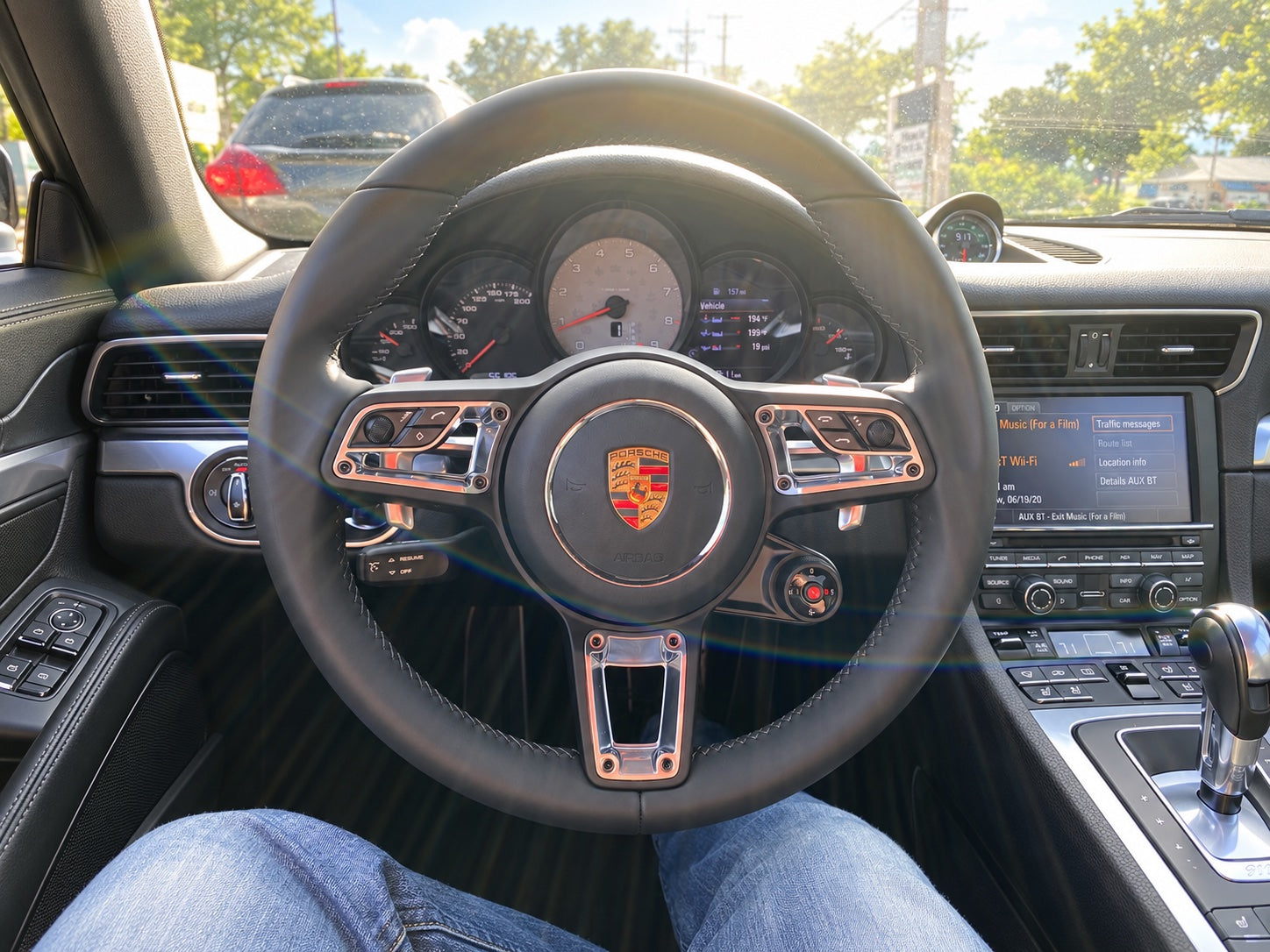
A closer look

Functions, compatibility and installation.

How it works

Adapter-X V2 connects a compatible newer Porsche wheel and enables drive-mode control.

  • Adapter-A: inside the steering wheel.
  • Adapter-B: at the center-console controls.

The modules link automatically in about 3–4 seconds. Their private Bluetooth connection is not accessible from a phone.

Compatible Porsche models
  • 911 Carrera 991.1 (2012–2016)
  • 911 GT3 991.1 (2014–2017) — 991.2-style wheel only.
  • Cayman 981 (2014–2016)
  • Boxster 981 (2012–2016)
Key functions
  • Multifunction controls.
  • Mode Switch control, synchronized with the console.
  • Sport, Sport Plus, Individual and Response, where supported.
  • Optional heating with the correct kit and compatible hardware.

Mode Switch actions by model

Dial actions vary by model.

Swipe sideways to compare models.

Adapter-X Mode Switch operation, installation guide page 12
Mode / control991.1 / 981991.1 GT3Cayenne 958.1
ONormalNormalSuspension Comfort
SSport ONSuspension Sport ONSuspension Sport
S+Sport Plus ONS to S+: Suspension Sport + PDK Sport
i to S+: PSE + PDK Sport
Sport + Suspension Sport
iPSE ONPSE ONSuspension Normal
Response
button
Sport Plus for 20 secondsPDK Sport for 20 secondsSport for 20 seconds

991.1 GT3: The S+ action depends on whether you turn the dial from S or from i, as shown above.

Response button: Press the center button for the model-specific 20-second function. Press it again within 20 seconds to cancel.

Functions depend on the vehicle's equipment and the correct kit selection. Confirm your vehicle configuration before ordering.

Last-mode memory

Enabled by default. When memory is ON, the adapter remembers your last selected drive mode and restores it the next time the ignition is switched on. When memory is OFF, the adapter does not automatically restore the previous mode.

To toggle ON or OFF: Press and hold the SPORT button on the center console for 5 seconds, then release it.

On the 991.1 GT3, use the right-side PDK SPORT button. On the Cayenne 958.1, use the engine SPORT button.

Sport indicator flashes slowly twice: memory OFF.
Sport indicator flashes quickly four times: memory ON.

Download PDF - Mode Switch operation (printed page 12)

Installation notes

Before ordering, start a visual fitment check → to select your Porsche and both steering wheel types. Review the guides below for parts and coding requirements.

  • A 971-style replacement wheel requires the complete 95B-971-388-B internal wiring harness; the appropriate harness is included with 971-style kit configurations.
  • If the center-console buttons or mode switch stop responding, power-cycle Adapter-B by disconnecting and reconnecting its input connector.

Read the Adapter-X development overview, steering wheel compatibility guide and installation and coding guides.

Free worldwide DHL/FedEx Express shipping is included. Local import duties may apply.

ADAPTER-X V2 · 991.1 MODE SWITCH

Try the Mode Switch

Choose your 991.1, then explore the wheel and console controls.

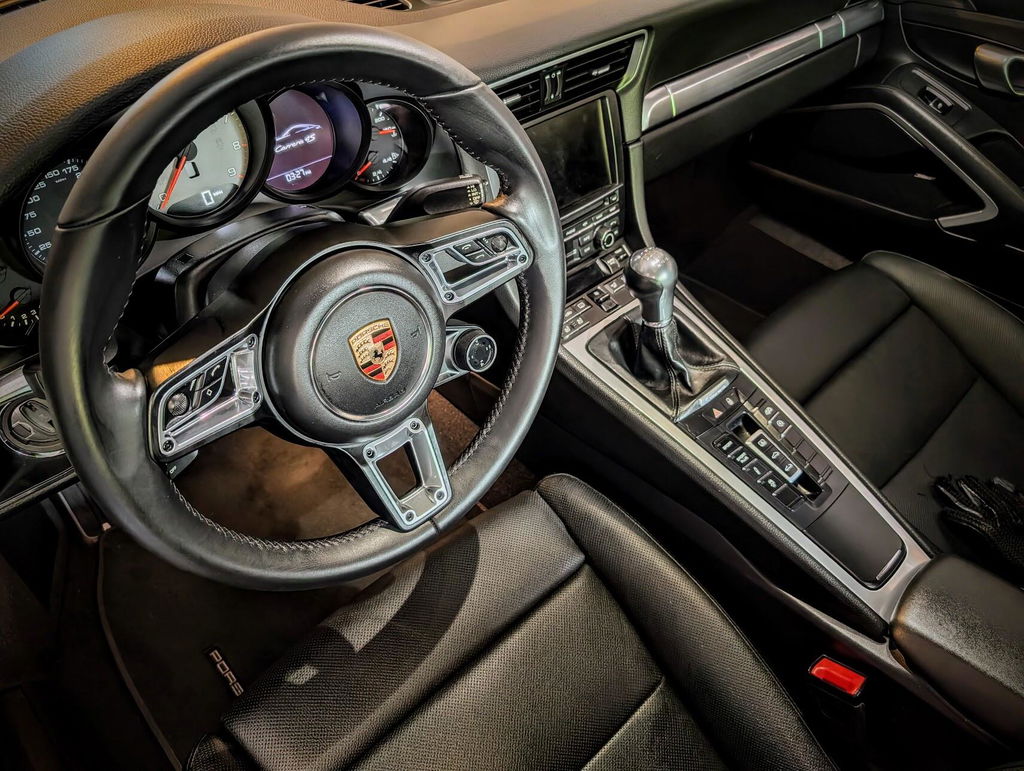
991.2 GT-style steering wheel with Mode Switch installed in a Porsche991.2 GT-style wheel · Mode Switch at lower right
Choose your vehicle

01 / STEERING WHEEL

Turn the Mode Switch

Tap a position or swipe across the dial.

Swipe or use arrows

02 / CENTER CONSOLE

Watch the controls

Tap a button to explore the console.

Illustration; button layout varies by car.

Current actionNormal

Drive-mode controls and exhaust are off in this illustration.

Interactive illustration. Driving-mode sounds are synthesized. Equipment and behavior vary by car and firmware. Check your setup →

Startup recording: ThePetrolHeart, CC BY 3.0; excerpted and faded. Subsequent engine sounds are simulated.

See the upgrade in action